How to Read Technical Documentation Without Getting Lost
Documentation becomes easier when you stop treating it like a book and start using it like a map.

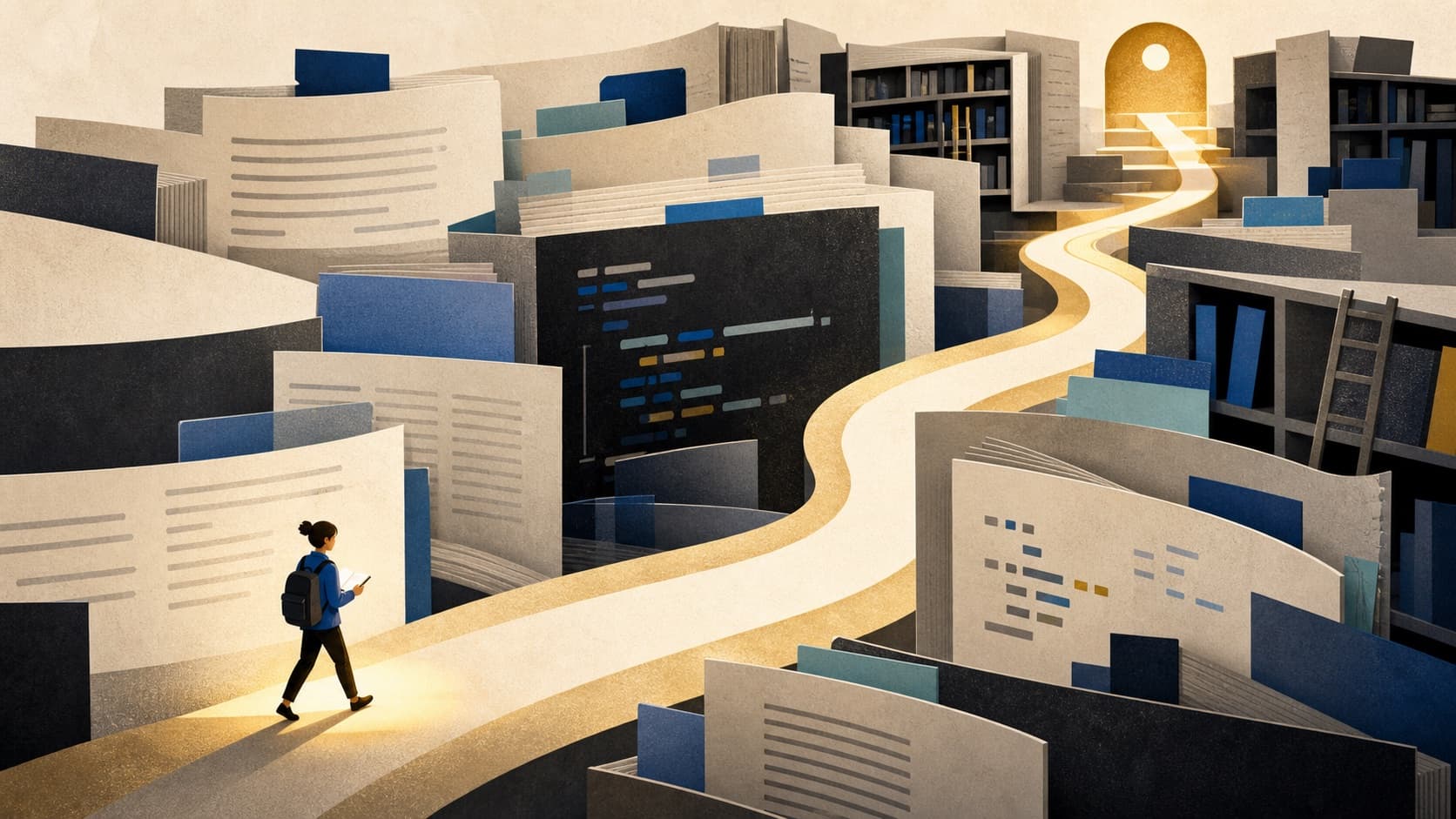
Technical documentation has an awkward job. It must introduce a system to beginners, answer narrow questions for experts, document edge cases, and remain precise enough to support production work. Reading it from the first page to the last is rarely the best strategy. Good documentation is usually a landscape, not a novel.
The skill is navigation. You need to know what kind of answer you are looking for, which layer of the documentation is likely to contain it, and when to leave the page for a small experiment. Once that loop becomes familiar, even a large documentation site feels less intimidating.
Name the job before searching
“Learn the framework” is too vague to guide a reading session. Replace it with a task: render a page from data, authenticate a request, schedule a background job, or understand why a cache is stale. Concrete tasks give unfamiliar terms somewhere to attach.
Write the task in plain language before you search. This prevents a common failure mode in which every linked concept feels equally important. Most of it is not important yet. You are building a path through the system, not a complete mental replica of it.
Use the four layers
Documentation tends to contain four kinds of material. Tutorials help you complete a first journey. How-to guides solve a specific problem. Reference pages describe exact behavior. Explanations reveal why the system is designed as it is. Confusion often comes from using the wrong layer—for example, expecting a reference page to teach a concept from first principles.
- Start with a tutorial when you have no working example.
- Move to a how-to guide when your goal is clear but the steps are not.
- Use reference material to confirm names, types, defaults, and constraints.
- Read explanations when you can make the code work but cannot predict its behavior.
Build the smallest executable example
Reading alone creates a dangerous sense of familiarity. The page looks understandable because each sentence makes sense, but the knowledge has not yet survived contact with a real environment. Create the smallest example that can succeed or fail. Copy less code than you think you need, run it, and change one input.
When an example fails, preserve the exact error and compare your environment with the assumptions on the page: version, runtime, file location, configuration, and permissions. Many documentation problems are actually context mismatches.
Follow links with discipline
A documentation page can open ten conceptual doors in a paragraph. If you walk through all of them, you may never return to the original task. Keep a short parking-lot note for terms that seem important but are not blocking progress. Investigate only the link that answers your current question.
This is not shallow learning. It is staged learning. A concept encountered during a real need is easier to remember because it arrives with a problem, a consequence, and an example.
Record decisions, not copied prose
When you finish, write down what your project now assumes: the configuration you chose, the reason for it, and the source page that informed the choice. Avoid copying whole sections into personal notes. A short decision record is easier to maintain and more valuable to a teammate six months later.
Documentation changes. Your notes should make it easy to verify the current rule rather than freeze an old one forever.
A final thought
The goal is not to remember an entire documentation site. It is to become confident that you can find, test, and preserve the answer when the need appears. Treat the docs as a map, keep your destination visible, and let working code confirm that you arrived.
More from Ajay Gaur
Your Attention Is a Budget: Spend It Like One
A practical way to protect focus without turning your life into an optimization project.
Why Walking Is Still a Serious Thinking Tool
Walking creates a rare middle distance from problems: close enough to think, far enough to see differently.
The Case for Smaller, Better Side Projects
A constrained project can teach more, ship sooner, and remain alive longer than a grand unfinished plan.